SearchLauncher
Your homescreen has a keyboard.
Search apps, contacts and browser tabs from your home screen. Search inside apps, or browse the web without leaving SearchLauncher.
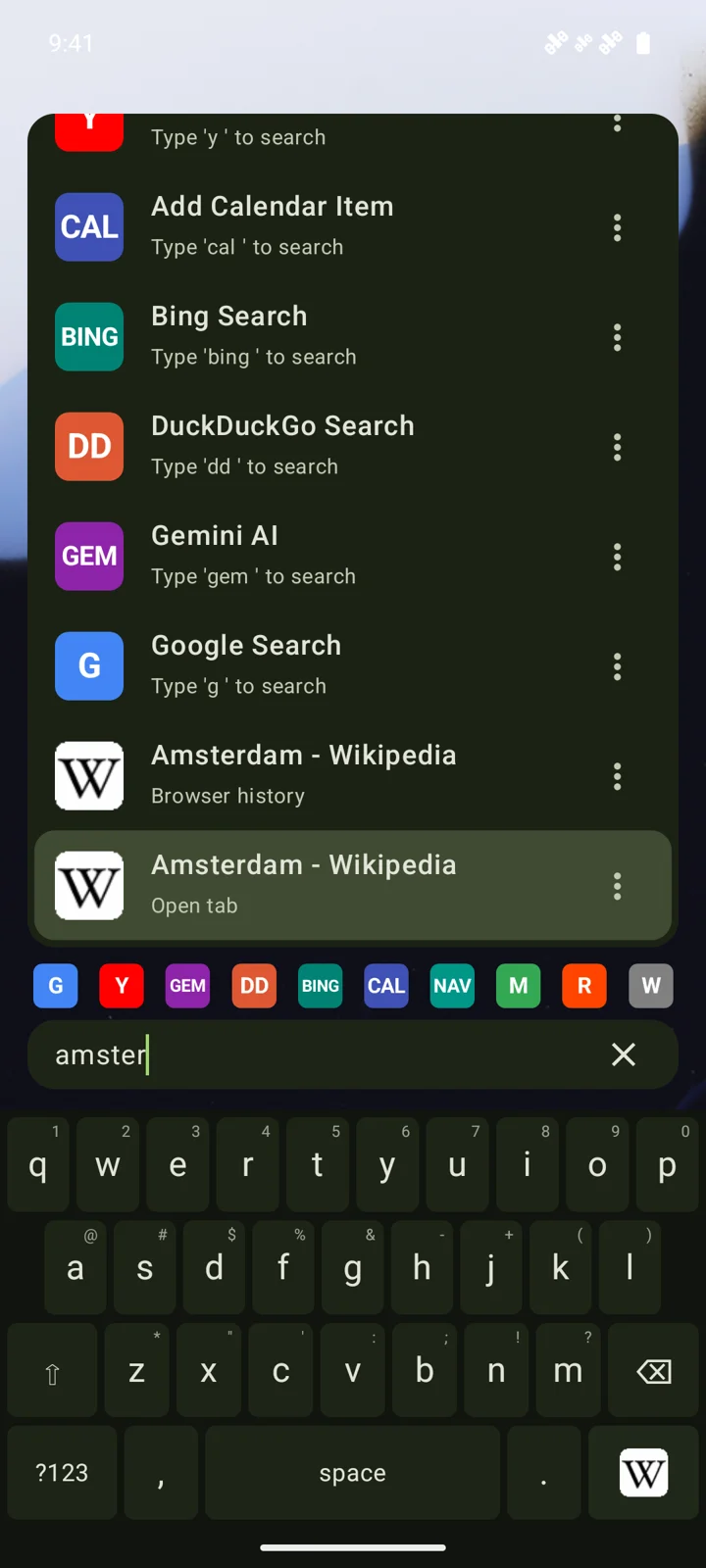
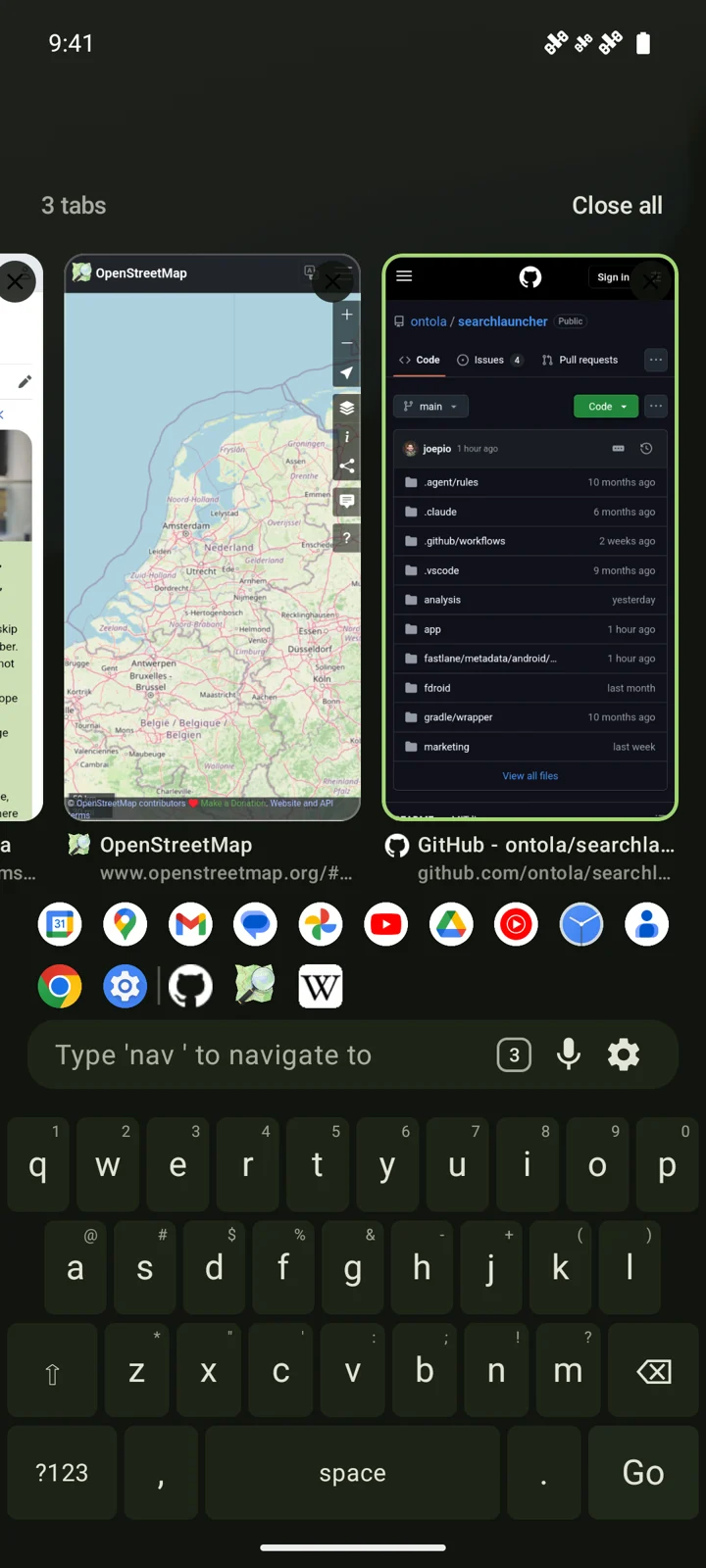
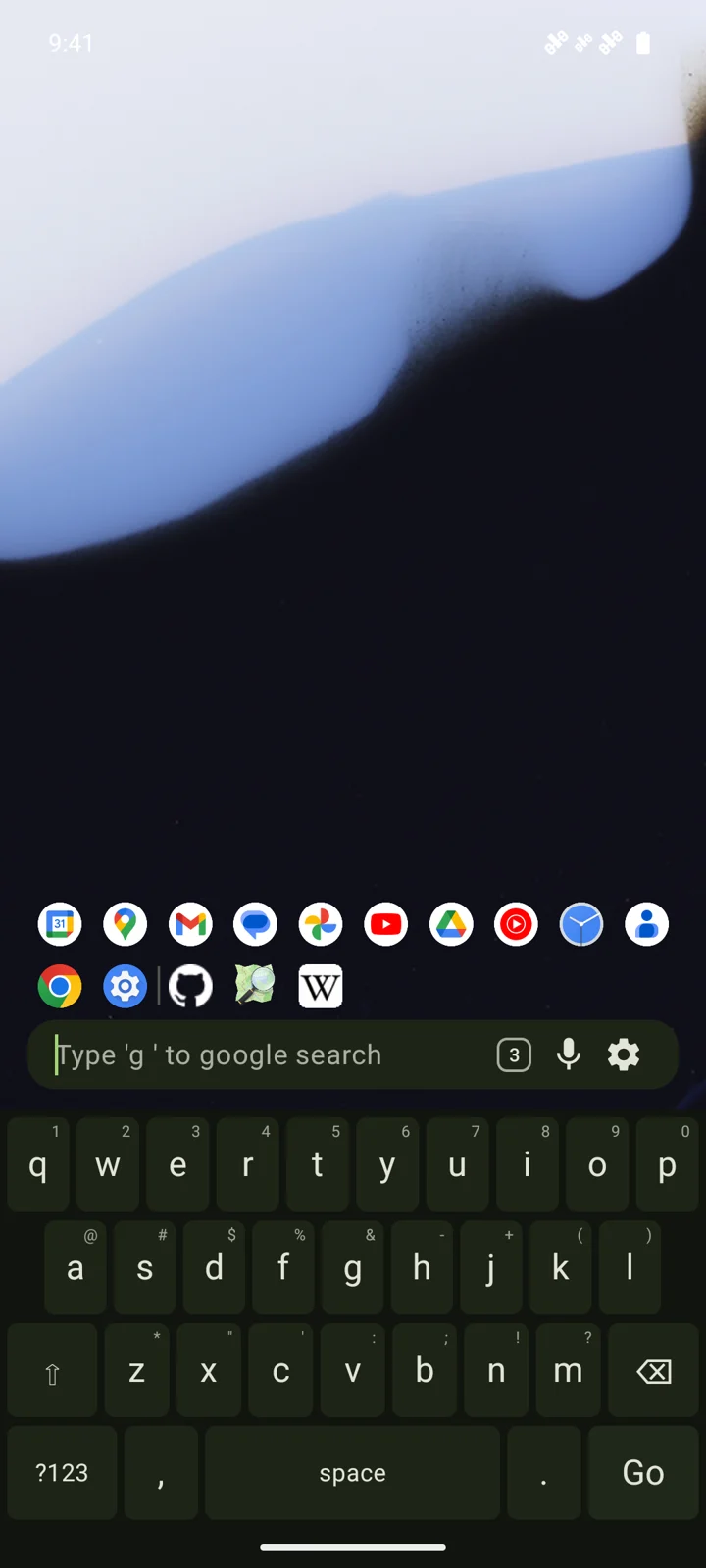
See it in action
Your phone and the web, one search away.
Watch SearchLauncher find contacts, search inside apps, open browser tabs and use widgets.
Search
If it’s on your phone, type it.
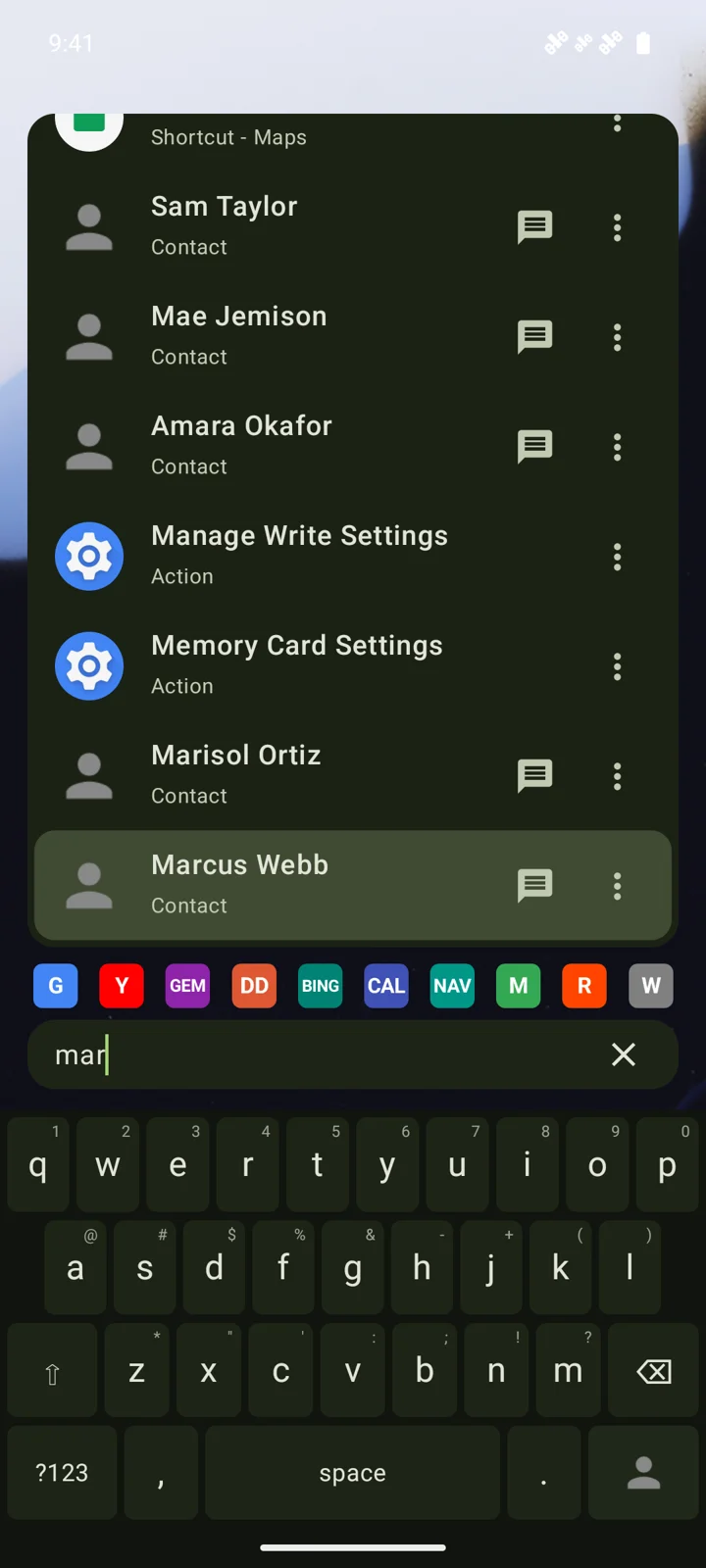
Fuzzy search across apps, shortcuts, contacts, and settings. Ranking learns what you pick, so the next time is faster.
- Apps and app shortcuts
- Contacts: call, text, email, WhatsApp, Signal, Telegram, and more
- System settings and actions: flashlight, dark mode, rotation lock, battery saver…
- Voice search when your hands are full
Shortcuts
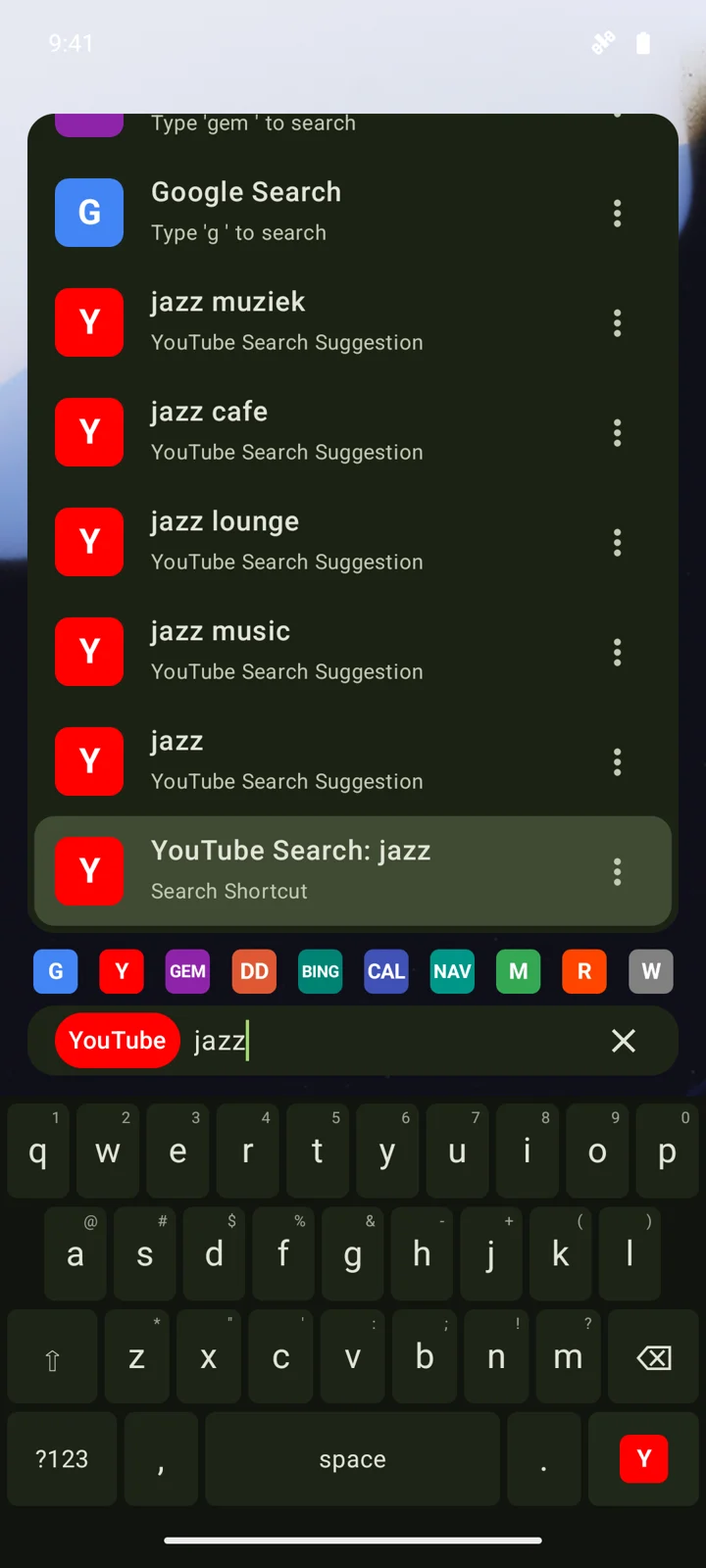
Search inside apps.
Type y, press space, and enter your YouTube search. Use shortcuts for Google, ChatGPT, Maps and more, or add your own. Go straight to your search without opening the app first.
Smart input
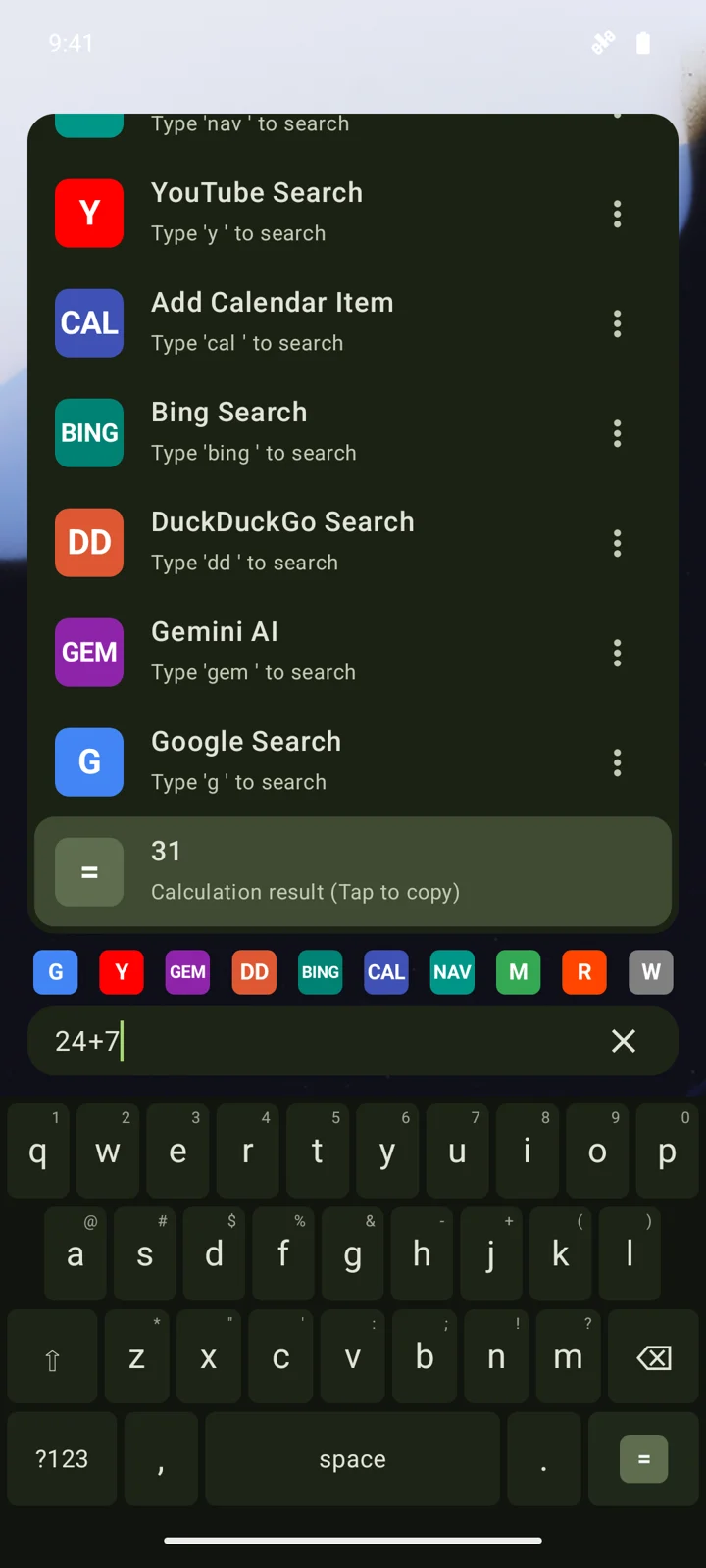
The bar knows what you meant.
Paste a number, email, URL, or equation. SearchLauncher offers the right action: call, text, email, open, or copy the answer.
Built-in browser
Use websites like apps.
Your browser tabs belong alongside your apps. Open a website from the search bar, swipe sideways to switch tabs, or swipe up to see tab previews. Jump between browsing and your home screen with the same gestures.
- Ad & tracker blocking on by default
- Private browsing in an isolated process with no history written
- Find open tabs by title or address from home search
- Bookmarks and searchable browsing history
- Downloads with progress, history, and file actions
- Optional: set as your default browser
Search your tabs
Pick up where you left off.
Remember the page, but not where you opened it? Type its title or address. Open tabs appear in your search results, ready to return to with a tap.
- Search websites and installed apps from the same place
- Return to an existing tab without opening another copy
- Keep favorite websites within reach alongside your apps
Home
Reclaim the screen.
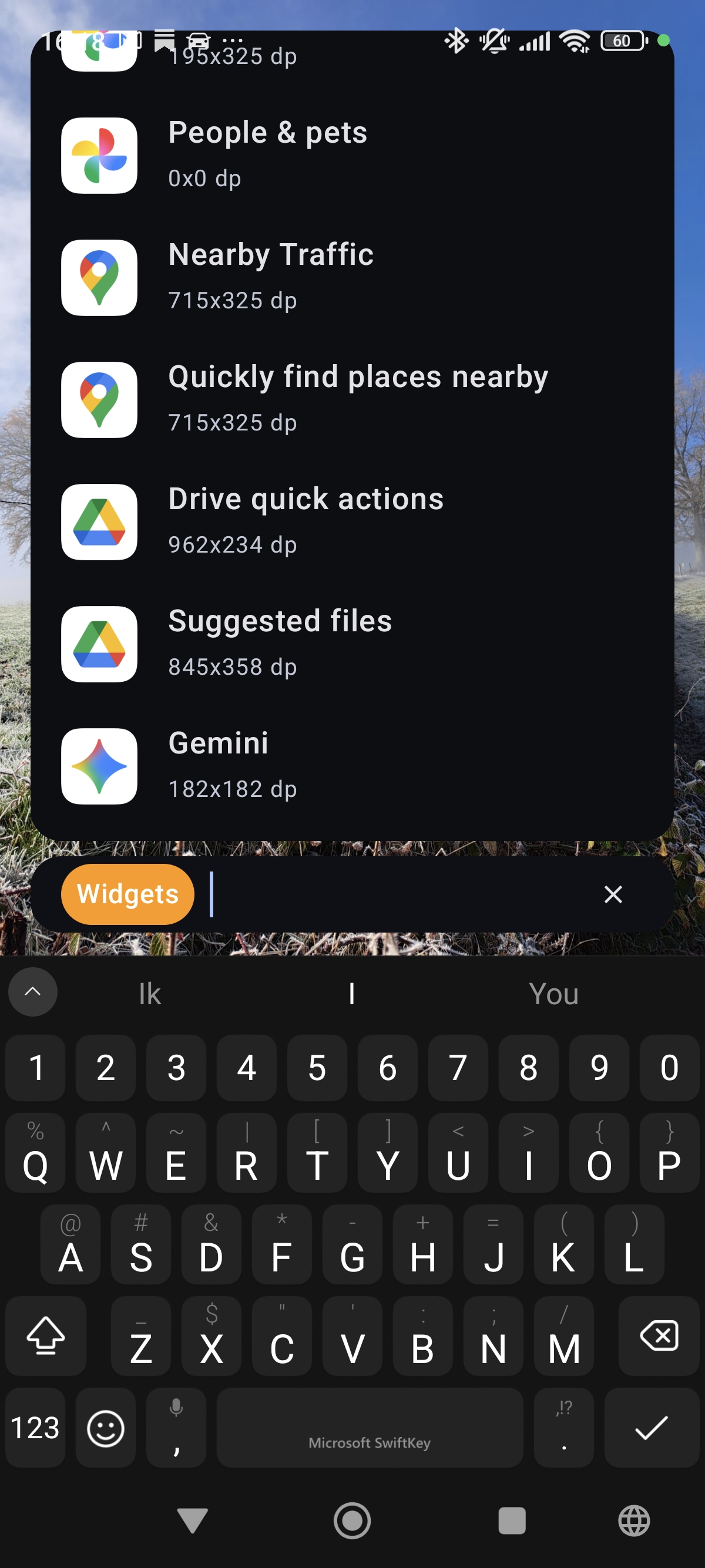
When you’re not searching, the UI steps aside. Swipe a wallpaper album, host widgets, keep favorites and recents above the bar.
- Swipe wallpapers; theme colors pulled from your background
- Widgets you can resize, reorder, and hide with a tap on the background
- Favorites you pin; history that follows how you work
- Gestures for notifications, quick settings, and the app drawer
- OLED true-black when you want it
Your way
Full launcher, or just the search bar.
Set SearchLauncher as default, or keep your current launcher and add the widget. Same power either way. Export and import a backup when you switch phones.
Privacy
Open by design. Yours stays yours.
Indexing and ranking run on your device. There is no SearchLauncher cloud for your queries. Free, MIT-licensed, auditable on GitHub.
- On-device AppSearch index: your catalog never phones home
- Web searches go straight to the provider you chose
- Suggestions and crash reports are optional
- In-browser ads and trackers blocked by default
- MIT-licensed source on GitHub
Make your home screen more useful.
Free. No ads. Open source. Get it on Google Play for Android 10 or newer.